Clear Your Desk, Clear Your Head
A messy home office charging station is not just annoying; it quietly drains your energy every day. When you are shifting cables around, hunting for the right brick, or trying to untangle a knot of cords before a meeting, your focus goes out the window. A clean, simple charging setup gives you one less thing to think about, so you can get on with actual work.
Many of us start with a "temporary" home office, then never really fix it. We add one more charger, another extension cord, a random cable from an old phone. If you split your time between home, co-working spaces, and travel, that mess follows you. The good news is that a dedicated home office charging station is an easy upgrade. When everything has a spot, your desk looks better, you think clearer, and packing to work on the road becomes faster and calmer.
Why Your Home Office Charging Station Is a Mess
Most messy setups grow over time. Nothing is planned, things just pile up. You might see some of these in your space:
- Old bulky laptop bricks that take up half a power board
- Freebie cables from devices that never quite fit right
- Tiny single-port wall chargers scattered around the house
- A power board hidden under the desk with everything jammed into it
On top of that, not all ports are equal. Many people still plug high-power devices like laptops into slow USB-A chargers. Phones end up on old bricks that trickle-charge. The result is that nothing finishes charging at the same time. You head into a call with a half-full laptop, a flat tablet, and a phone clinging to a few percent.
In Australia, when the weather cools and we spend more time indoors, we tend to use more screens. Extra monitors, heaters, smart lights, streaming on the side, all stuck into the same old power board. That is when you really notice how clumsy and inefficient the setup has become. A better home office charging station is about cleaning that up and using smarter tech, not just adding more sockets.
Meet GaN: the Tech Shrinking Your Chargers
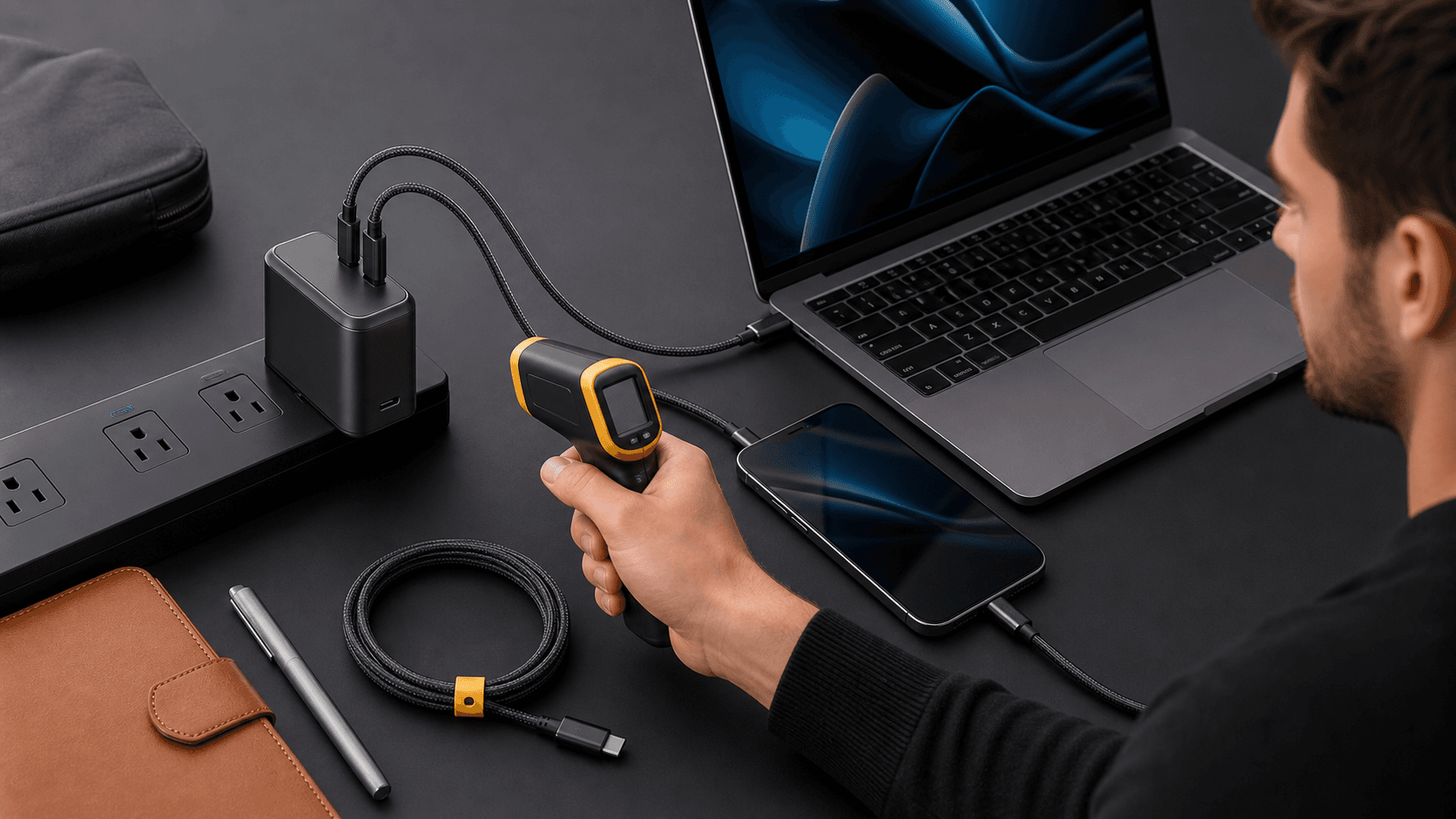
One simple shift can change everything: moving from old silicon chargers to GaN. GaN stands for gallium nitride, which is a newer material used to build the inside of modern chargers. It handles power more efficiently, so chargers can be much smaller while still pushing out serious wattage.
Compared with traditional laptop bricks and wall chargers, GaN chargers can:
- Be far more compact for the same power
- Run cooler under heavy load
- Share power across multiple ports
- Replace several single-purpose bricks with one unit
For a home office charging station, that matters a lot. Instead of two laptop bricks, a phone charger, a tablet charger, and a random cube for earbuds, you can run everything from a single high-power GaN charger. A model like the Zeus 280W GaN charger from Chargeasap shows how far this tech has come. It is built to handle several devices at once, which makes it a strong core for both a home desk and a travel kit.
Building a Smarter Home Office Charging Station
So how do we turn the chaos into a simple hub? Start with a clear plan, not another random power board.
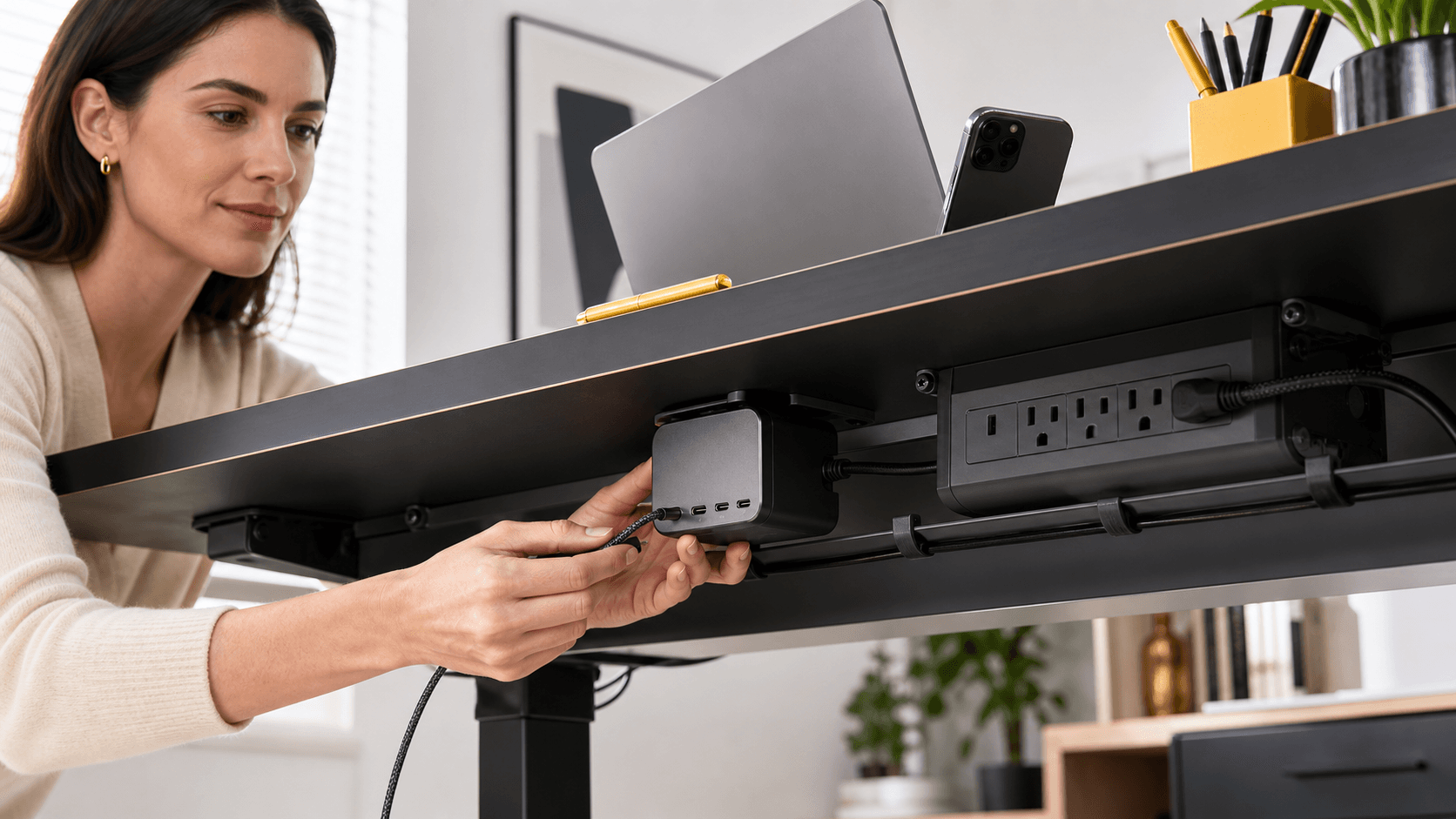
Pick one central spot on or under your desk where the main charger will live. This becomes the heart of your home office charging station. For many people, that is the back corner of the desk or mounted below the surface to keep things tidy. From there, you can:
- Use one multi-port GaN charger, such as a high-power Zeus unit
- Plug it into a short, good-quality power board if you need a few extra AC outlets
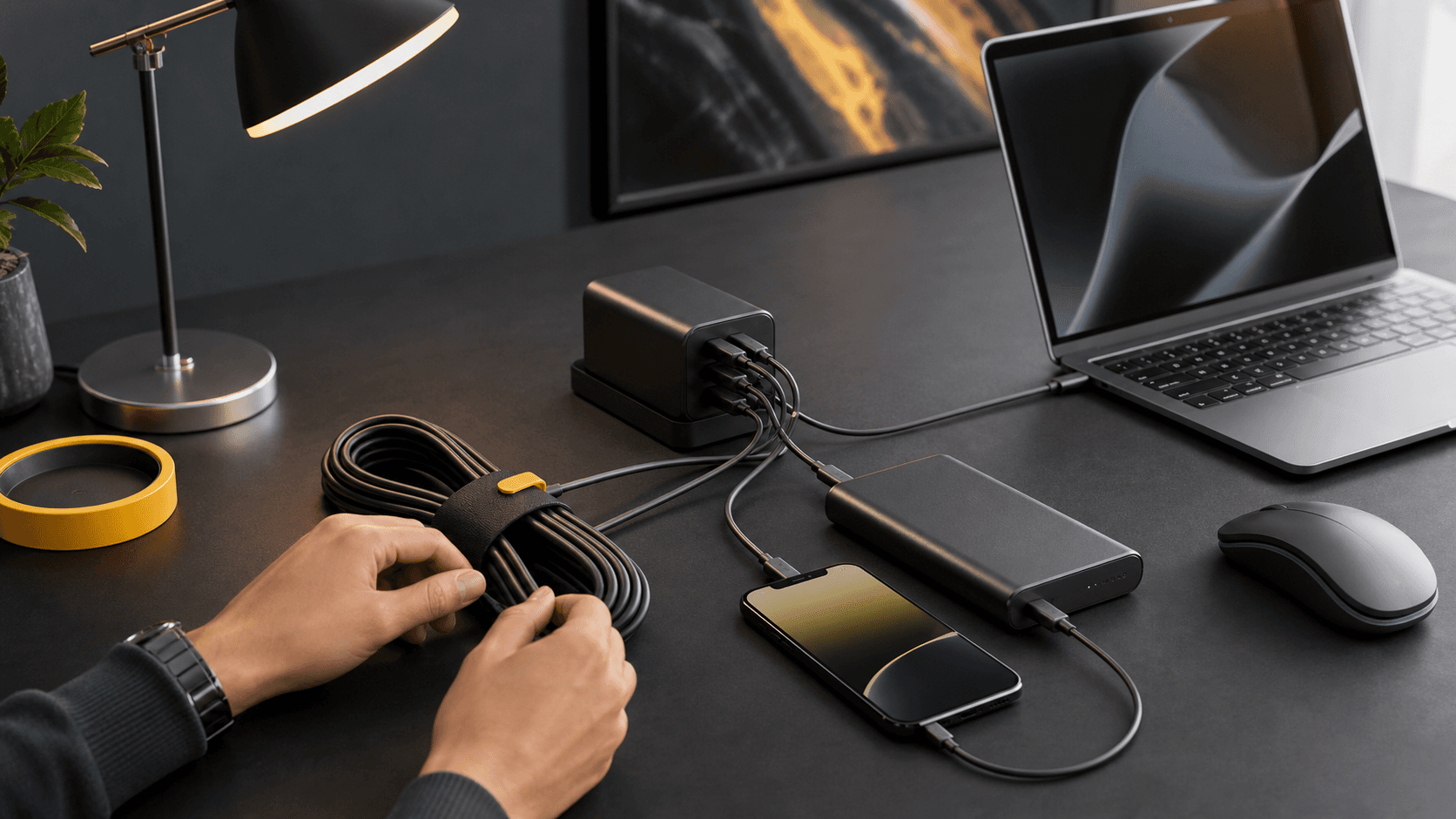
- Run cables neatly, using clips or a desk grommet, so only the ends show
Next, map your devices to the ports. Think about what you use daily:
- Laptop, maybe two if you keep work and personal separate
- Phone and possibly a second phone
- Tablet or e-reader
- Earbuds or wireless headphones
- Smartwatch or fitness tracker
Prioritise USB-C ports for your main devices, because they support modern fast charging standards and handle higher power. USB-A ports can be saved for low-draw gear like earbuds. Magnetic USB-C cables are great for quick-connect and disconnect, and they help protect your ports if someone trips on a cable.
A simple kit for most remote workers looks like this:
- One high-power multi-port GaN charger from Chargeasap
- A compact power bank for days when you are away from a wall outlet
- Two or three quality USB-C or magnetic cables that stay on the desk
That means fewer cables, less visual noise, and a setup you do not have to think about each morning.
One Charger for Work, Travel, and Everything Else
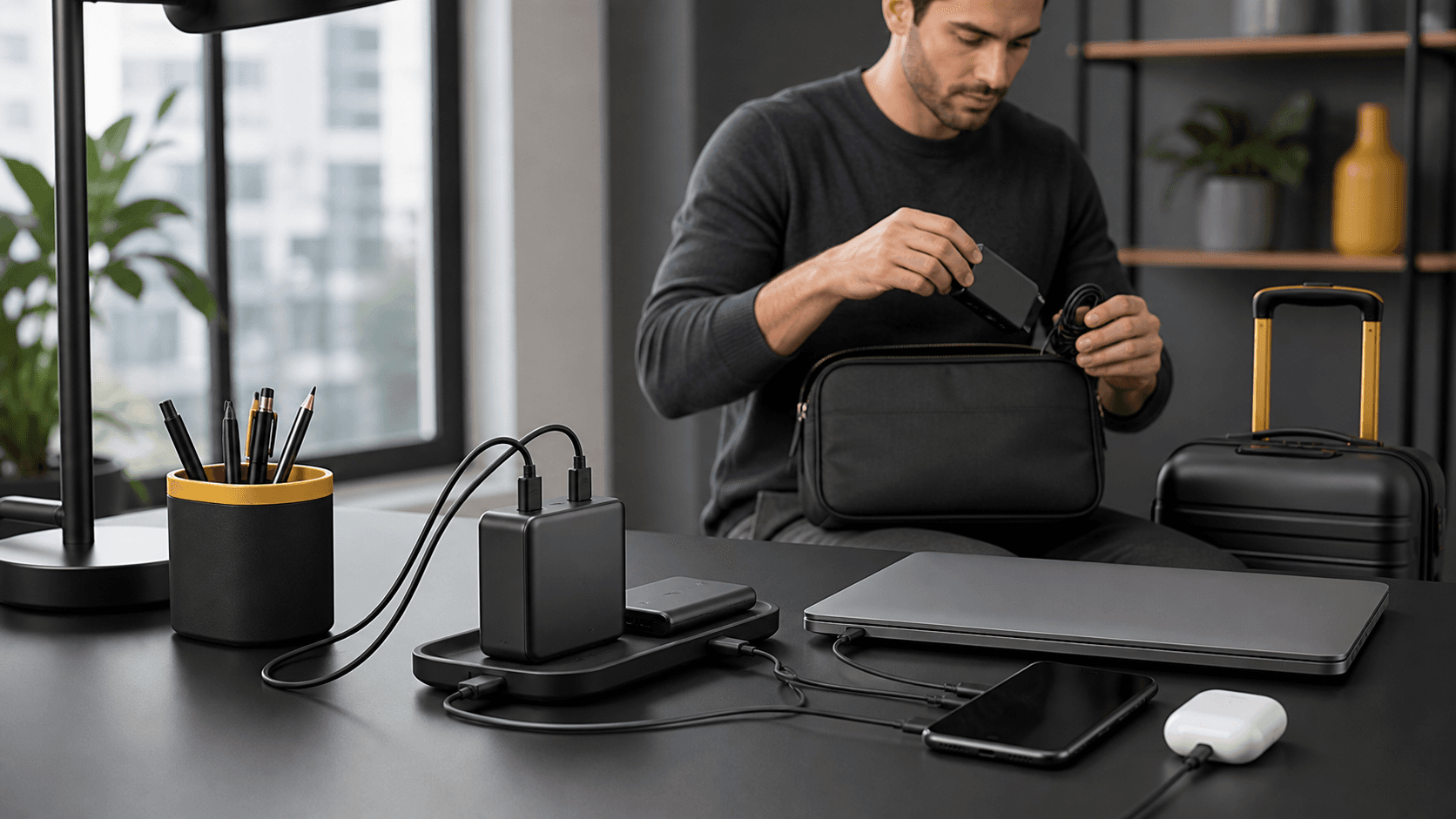
A smart home office charging station does not have to be stuck at home. The best setups are designed to move with you. When your main GaN charger is the centre of everything, you can simply unplug it from the power board, coil the cables, and drop it in a pouch when you need to head out.
Frequent travellers and digital nomads benefit a lot from this approach. Instead of carrying:
- A laptop brick
- A phone charger
- A tablet charger
- Extra plugs for earbuds and accessories
you travel with one high-power GaN charger that can handle all of those at once. A model in the same class as the Zeus 280W is built with this kind of load in mind, so it makes sense as your single "do-it-all" unit whether you are at your home desk, in a co-working space, or in a hotel room.
To make transitions smooth, keep a dedicated tech pouch packed at all times with:
- Your GaN charger
- A slim power bank
- A small set of USB-C or magnetic cables
This way, you are never ripping your home office charging station apart just to go to a client site. You unplug one cable from the wall, grab the pouch, and your setup feels familiar no matter where you are.
Upgrade Your Setup and Ditch the Tangle for Good
Shifting from a mess of cables to a clear, intentional home office charging station is not about being fussy; it is about making daily work easier. With one powerful GaN charger as the backbone, like the Zeus 280W from Chargeasap, you replace a pile of slow, bulky bricks with a single smart hub that works at home and on the road.
A simple checklist to get started:
- Pull out all your old chargers and keep only what you actually use
- Decide where your central charging hub will sit on or under the desk
- Choose one main high-power GaN charger to act as the core
- Add a small set of USB-C and magnetic cables to cover every device
- Pack a travel-ready tech pouch so your setup can move without stress
At Chargeasap, we build compact GaN chargers, power banks, and magnetic cables for people who live this way, moving between home, office, and travel with a bag full of devices. A strong, high-power GaN charger like our Zeus 280W can act as the anchor that keeps your home office charging station tidy while still being ready to hit the road whenever you are.
Power Up Your Home Office With Smarter, Faster Charging
Transform your desk into a clutter-free workspace with our all-in-one home office charging station. At Chargeasap, we have designed our Work Power Set to keep your laptop, phone and accessories powered without a tangle of cables. Simplify your daily routine, protect your devices and keep everything charged from a single, compact hub. Upgrade your setup today and make every workday smoother and more efficient.