Make Sense of Charger Wattage in Seconds
Charger wattage sounds technical, but it is really just about how fast a charger can send power to your devices. If you carry a laptop, phone, tablet and earbuds, the real question is simple: what wattage charger do you need so everything charges quickly without dragging around a bag full of bricks?
In this article, we break down wattage in clear language, show what a 280W GaN charger actually does in real life, and walk through how to pick the right wattage for your setup. By the end, you will know how to read charger specs with confidence, avoid overpaying for power you never use, and stop under-buying chargers that crawl along when you plug in more than one device.
Watts, Volts, Amps Explained Without the Jargon
Electricity terms can sound like school physics, so let us keep it simple.
- Volts (V) are like pressure, how hard the electricity is pushed through the cable.
- Amps (A) are like flow, how much electricity moves at once.
- Watts (W) are the total power, the result of volts multiplied by amps.
So when you see a 20W phone charger and a 65W laptop charger, the laptop charger can deliver more power per second. Even if both use USB-C, the 65W unit simply has a bigger "pipe" for power, so it can feed larger devices that need more energy.
Device makers list a maximum charging wattage for each device. For example, you might see:
- A phone that supports up to 25W or 30W fast charging.
- A tablet that takes around 30W to 45W.
- A laptop that needs 60W, 65W, 90W or 100W.
Modern chargers and devices talk to each other, usually over USB Power Delivery (USB PD). The charger offers different combinations of volts and amps, and the device chooses what it can safely accept. That means:
- A higher wattage charger does not force extra power into your device.
- Your device only draws up to its own maximum, and often less when the battery is nearly full.
So when you ask "what wattage charger do I need?", the key number is your device’s maximum charging wattage. From there, it becomes a simple balancing act between what each device can use and how many you want to charge at once.
What a 280W GaN Charger Actually Lets You Do
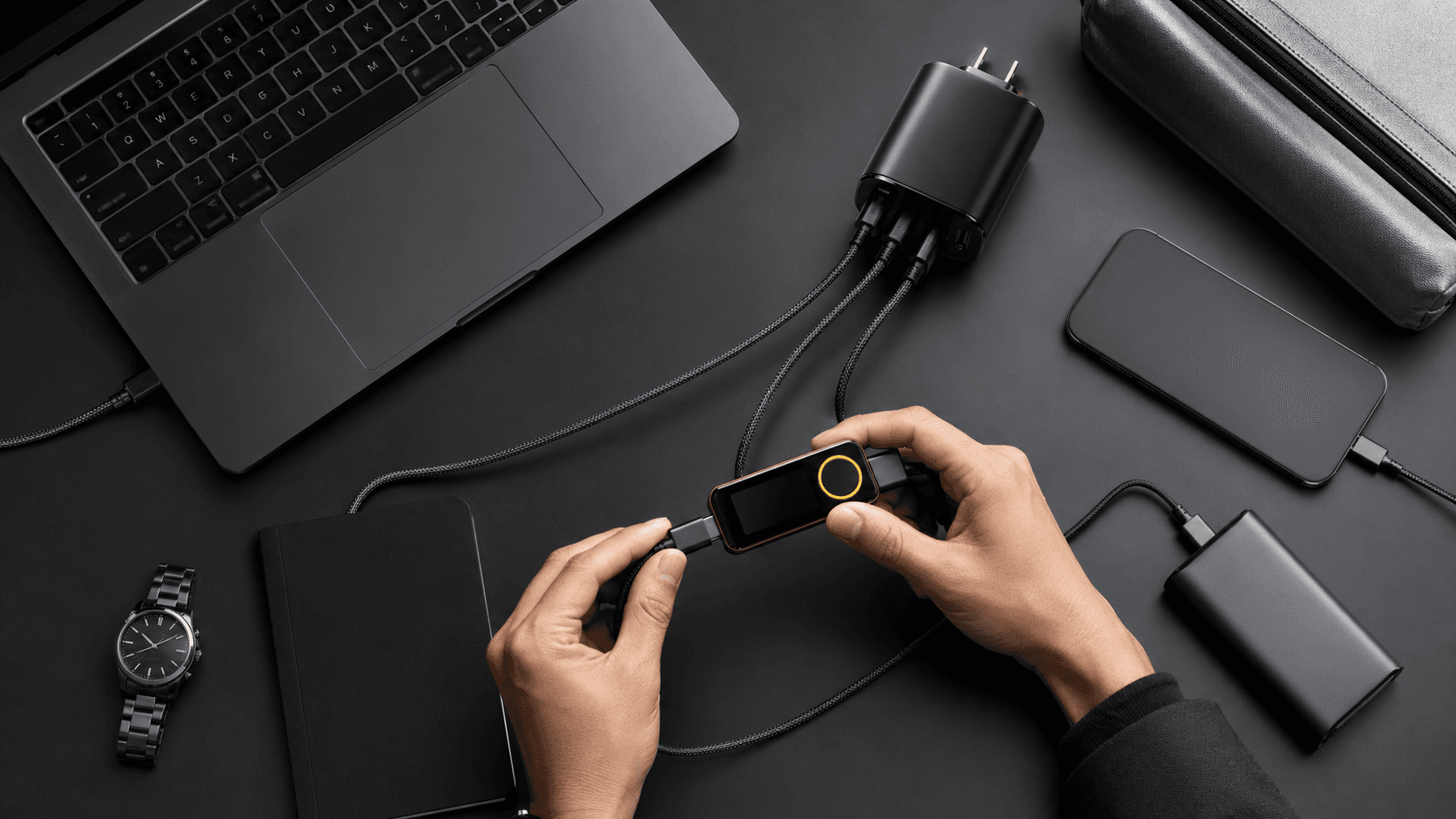
When you see 280W on a charger, such as a high-power unit like the Zeus 280W GaN charger, that number is the total power the charger can supply across all ports at the same time. It is not a promise to blast 280W into a single gadget.
Think of it like a power hub. With 280W available, you could realistically run combinations like:
- 100W for a powerful USB-C laptop that supports high wattage charging.
- 65W for a second work or personal laptop.
- 30W to 45W for a tablet you use for reading or streaming.
- 20W to 30W for your phone for fast charging.
- 5W to 15W shared across earbuds, a smartwatch or another accessory.
Not every setup will max out all those numbers at the same time, but that is the point. A 280W GaN charger gives you capacity and flexibility. Each device only pulls what it needs, and the charger distributes power accordingly.
This is where GaN (gallium nitride) matters. GaN is a newer material that allows chargers to be smaller and more efficient than older silicon bricks. Brands like ChargeAsap use GaN to build compact, high-output chargers such as the Zeus 280W GaN charger that actually belong in a travel bag, not stuck under a desk.
How to Answer “What Wattage Charger Do I Need?”
The easiest way to choose your charger wattage is to follow a small checklist. You do not need to be technical, just a bit methodical.
Find your laptop’s recommended wattage
Check the original charger or the laptop specs. Common ratings include:
- 45W or 60W for smaller or older laptops.
- 65W for many mainstream models.
- 90W or 100W for larger or more powerful machines.
Whatever that number is, your new charger should match or exceed it on at least one USB-C port.
Add your other devices
Roughly, most gear sits in these ranges:
- Phones: 18W to 30W.
- Tablets: 20W to 45W.
- Earbuds and watches: 5W to 15W.
Decide what you realistically charge at the same time. For example, laptop + phone or laptop + tablet + earbuds.
Add a buffer
Add around 20 to 30 per cent headroom so you are not running the charger at its absolute limit. This keeps charging speeds consistent when you plug in an extra device.
Two quick example bundles:
- Light traveller: One 65W laptop and a phone that uses 25W. Together that is 90W. Add headroom and you are in the 100W to 120W range.
- Heavy setup: Two laptops at 100W and 65W, a 30W tablet, a 25W phone and 10W for earbuds. That totals 230W, so a 280W GaN charger such as the Zeus 280W gives room for everything to charge properly without big slowdowns.
Many professionals prefer to "buy once, buy bigger", and choose a flexible, multi-port option like a 280W GaN charger. Devices tend to get more power hungry over time, so having spare capacity avoids another charger upgrade.
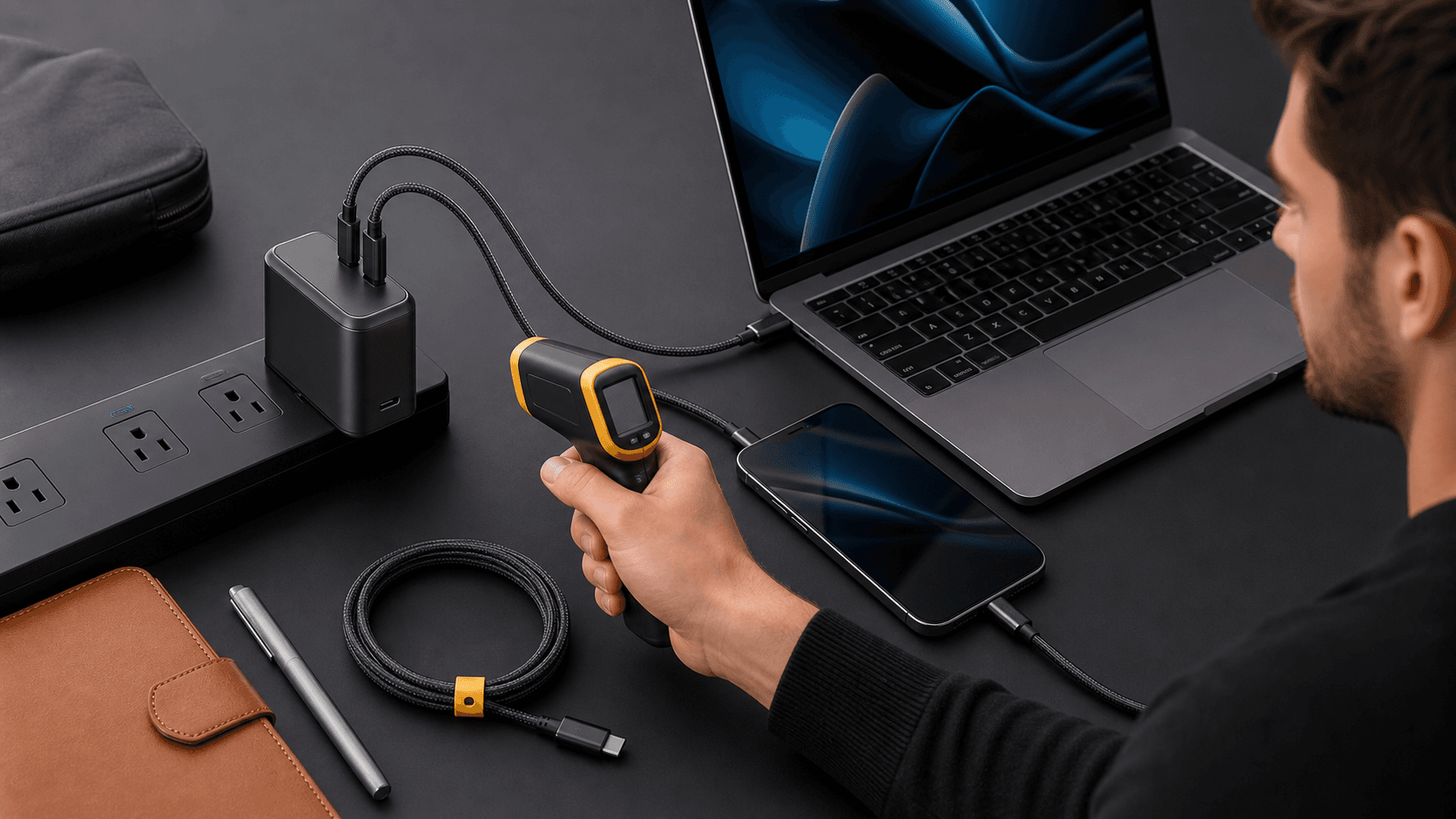
On safety, using a higher wattage charger from a reputable brand is safe because of that power negotiation mentioned earlier. The real risk comes from cheap, poorly built chargers that may not manage heat or voltage correctly.
Why GaN Chargers Beat Old-School Bricks for Travel
If you travel or work remotely, old-school laptop bricks plus separate phone and tablet chargers take up half your tech pouch. GaN chargers are designed to fix that problem.
GaN, or gallium nitride, lets manufacturers build chargers that:
- Stay more efficient, so they waste less energy as heat.
- Run cooler for the same power level.
- Pack higher wattage into a smaller, lighter shell.
Compare this:
- One bulky laptop brick, a separate fast charger for your phone, another for your tablet and a tiny brick for earbuds. That is four plugs and a tangle of cables.
With this:
- A single GaN travel charger with multiple USB-C and USB-A ports.
For frequent travellers, digital nomads and remote workers, useful features often include:
- Multiple high-power USB-C ports, plus at least one USB-A for older accessories.
- Worldwide voltage support so it works in different regions with the right plug adapter.
- A compact shape that actually fits in a small organiser pouch.
The Zeus 280W GaN charger is an example of that idea: one powerful travel charger that can replace several original bricks without giving up charging speed.
Smart Charging Setups for Multi-Device Life
Once you have a high-wattage, multi-port GaN charger, your day-to-day charging becomes far simpler.
Consider a few common setups:
- Working from a cafe: Your laptop is plugged into the highest rated USB-C port, your phone runs as a hotspot from another port, and your earbuds charge from a lower wattage port.
- At an airport or hotel: Your laptop tops up while your tablet streams and your phone gets a quick fast charge before boarding.
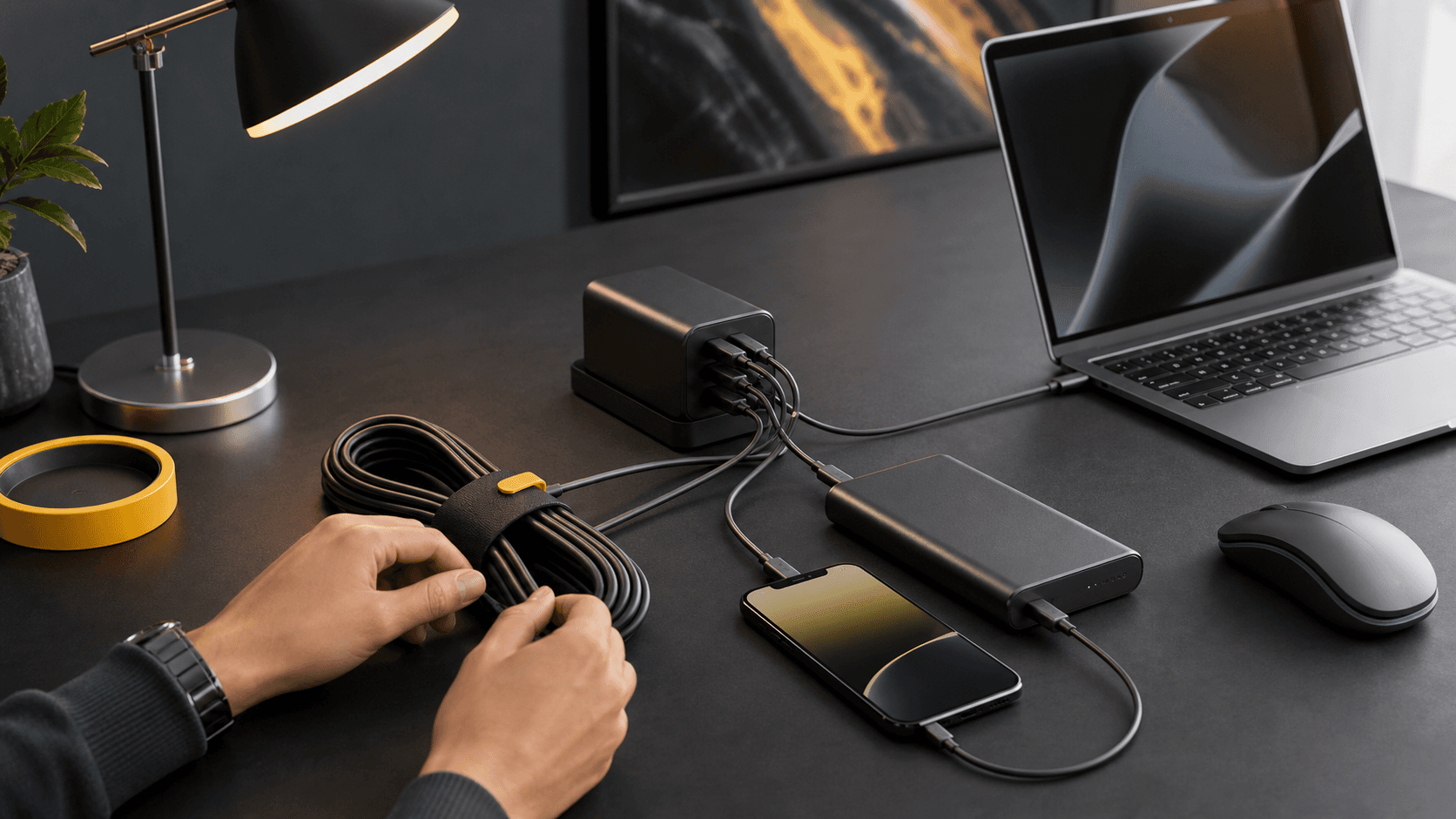
- Remote work hub: Work laptop, personal laptop, personal phone, work phone and earbuds all share one wall socket through the multi-port charger.
High wattage chargers can share power dynamically across ports. Heavier devices like laptops tend to draw more, while smaller items like earbuds sip what they need without affecting the bigger loads too much.
To get the best performance:
- Use quality USB-C cables that are rated for the wattage you need, especially for laptops.
- Plug the most power-hungry device into the port marked with the highest wattage or priority.
- Combine your wall charger with a decent power bank if you often sit in places with limited sockets.
Chargers like the Zeus 280W GaN charger are built with these multi-device, on-the-go scenarios in mind, so a single charger can keep your mobile office running.
Choose a Charger That Grows with Your Tech
Charger wattage is simply power capacity. Larger numbers give you more options, not more risk, as long as the charger is well designed. The real trick is matching that capacity to how you actually use your gear.
The simple rule of thumb for "what wattage charger do I need?" is:
- Match or exceed the wattage of your most demanding device on at least one port.
- Add up what you often charge at the same time.
- Give yourself some headroom so future laptops, tablets or phones are covered.
It is worth taking five minutes to look at your existing chargers and cables. If you are often juggling multiple bricks in your bag, or constantly swapping plugs around a single wall socket, a single high-wattage GaN travel charger such as a 280W GaN charger can tidy everything up while keeping your tech fully powered wherever you work.
Power Your Devices Smarter and Faster Today
If you are ready to cut down on clutter and charge all your gear from one compact hub, our 280W GaN charger is built to handle your daily workload with ease. At Chargeasap, we have designed it to deliver high output without the bulk, so you can travel lighter and keep your desk tidy. Make the switch now and experience reliable, high-speed charging for your laptop, phone and everything in between.